AI Smart Form Scanning
Upload any paper form. AI maps the fields. Done in 60 seconds.
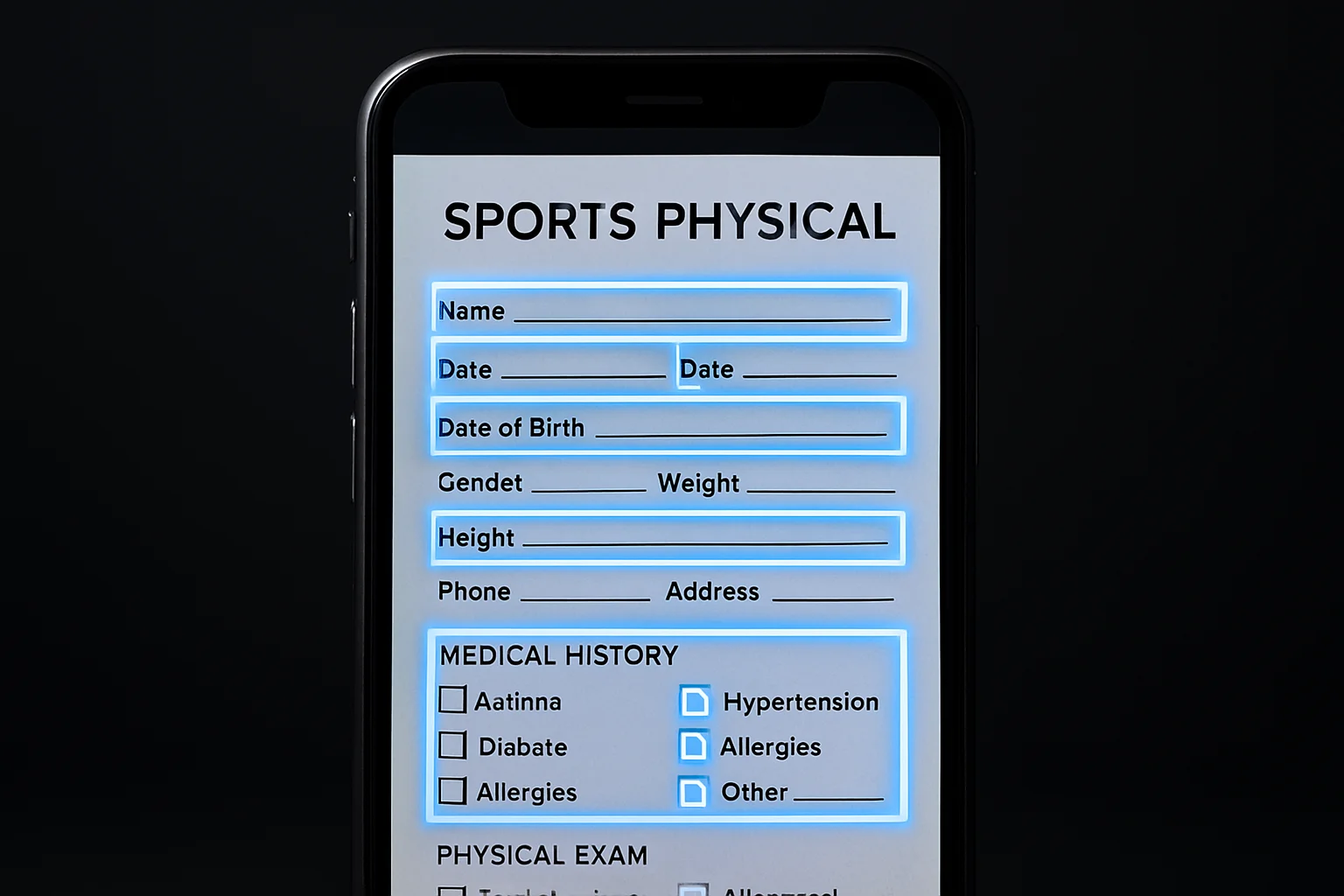
Upload any paper form. AI maps the fields. Done in 60 seconds.
Upload a photo or PDF of any existing paper form — physicals, permission slips, waivers — and FormVault's AI automatically maps each field into a live digital form. No manual setup. No re-keying. Just point, scan, and go. Under FERPA, uploaded physicals are student education records, and proper digitization preserves document integrity: the original file is stored encrypted and the AI-mapped digital form reproduces every field exactly as it appeared on paper — including conditional sections, multi-page layouts, and physician attestation blocks. Your district's existing form structures are preserved field-for-field, so state compliance verification works against the same document your paper process used. Physicians can complete their portion of the workflow digitally through a dedicated signing step, meaning no paper ever needs to change hands after the initial upload.
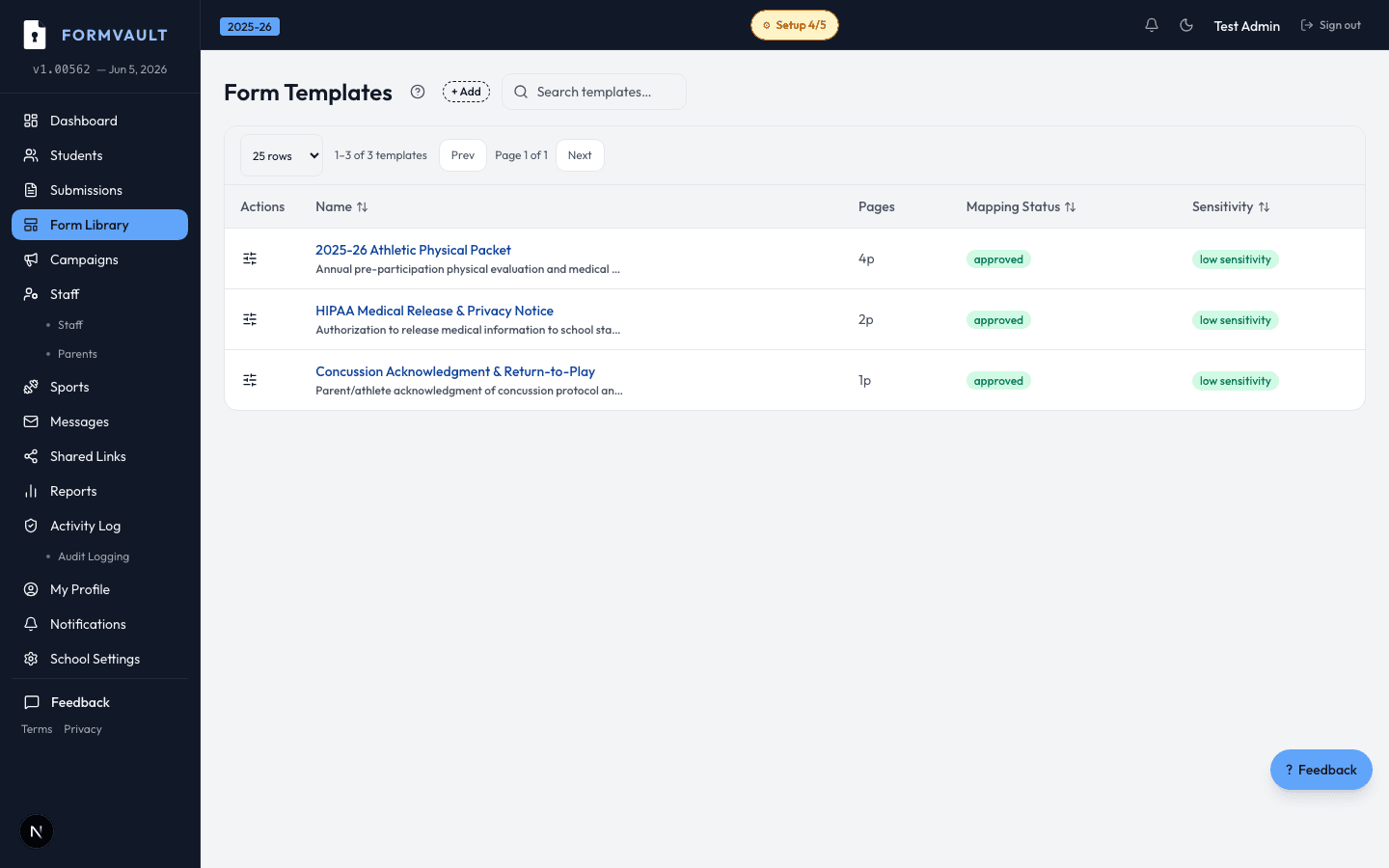
Upload a photo or PDF of your existing paper form
AI identifies every field: name, date, signature, checkboxes
FormVault creates a live digital form mapped to your campaign
Send via QR code or link — parents sign on their phones
Any physical form your school currently uses: pre-participation physicals, permission slips, medical waivers, emergency contact sheets, and booster club agreements. The AI works from phone camera photos, scanned PDFs, or digital files uploaded from a computer. Both handwritten and printed text are supported.
Very high on clearly printed forms. All detected fields appear in a review screen before you publish, so you can confirm, rename, or remap anything the AI missed. You are always in control of the final field list before sending to parents. For state-mandated forms with specific field names required for compliance, the review step lets you match the AI-detected label to your district's official field naming convention before publishing.
No special hardware required. Any modern smartphone camera works. You can also upload an existing PDF or image file directly from your computer. If your district already has a scanner, any scanned PDF it produces works too.
Usually under 60 seconds from upload to reviewed digital form ready to publish. Complex multi-page physicals with many fields typically complete within 90 seconds. The bottleneck is your review, not the AI.
Yes. Every field detected by the AI is fully editable before you publish. You can rename fields, change field types (text, date, checkbox, signature), set required or optional status, and remove any fields that don't apply to your school. Multi-page forms display each page's fields in order so the sequence parents see matches the original document exactly.
Yes. Upload a completed physical that already has a physician signature — FormVault stores the document encrypted and links it to the student's permanent profile. For new physicals, you can also configure a physician signing step in the digital workflow. Physicians receive their own signing link, complete their attestation block in any browser, and the signed record is automatically linked back to the student's clearance campaign without requiring a FormVault account.