Give every coach real-time clearance visibility for their sport — no more calls to the front office. Access is automatically scoped to their team so coaches only see what they need.
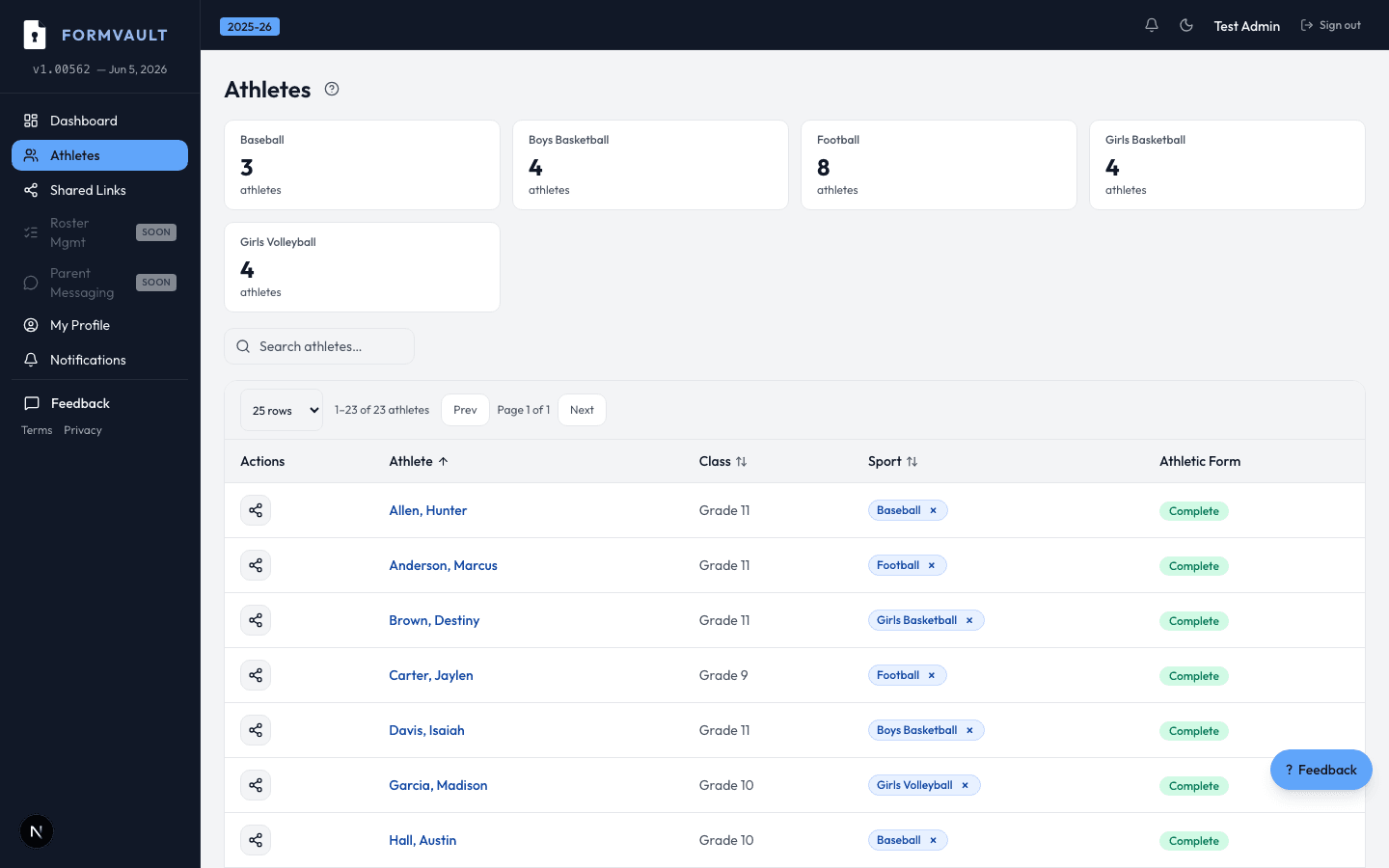
AD creates a coach account and assigns a sport
Coach logs in and sees only their roster clearance status
Green/yellow/red status for every student at a glance
Coaches cannot edit records — view-only by design
Yes. Athletic directors create coach accounts and assign each coach to one or more sports. Coaches log in with their own email and see only their assigned sport's student roster. Their access is completely separate from the admin view.
Real-time clearance status for every student on their assigned roster — cleared, pending, or incomplete. Coaches can see which forms are missing or outstanding but cannot view the contents of forms, uploaded documents, or sensitive student PII beyond the status indicator.
No. Only athletic directors and school administrators can update clearance status. Coaches have view-only access by design — this protects against unauthorized status changes and maintains the integrity of your compliance documentation.
Yes. The coach portal is fully responsive and built for phone use at practices and games. Coaches can check cleared status in seconds on any device without needing to call the office. The list is filterable by status for quick game-day decisions.
Athletic directors can update sport assignments at any time from the admin dashboard. There's no waiting period — access updates immediately. There is also no limit on how many sports a single coach can be assigned to.
Yes. A single coach account can be assigned to multiple sports simultaneously. Their portal shows all assigned sports with separate, clearly labeled roster lists. This is common for assistant coaches who cover multiple teams in the same season.