Encrypted Document Storage
Upload physicals. Store them. Never lose one again.
Upload physicals. Store them. Never lose one again.
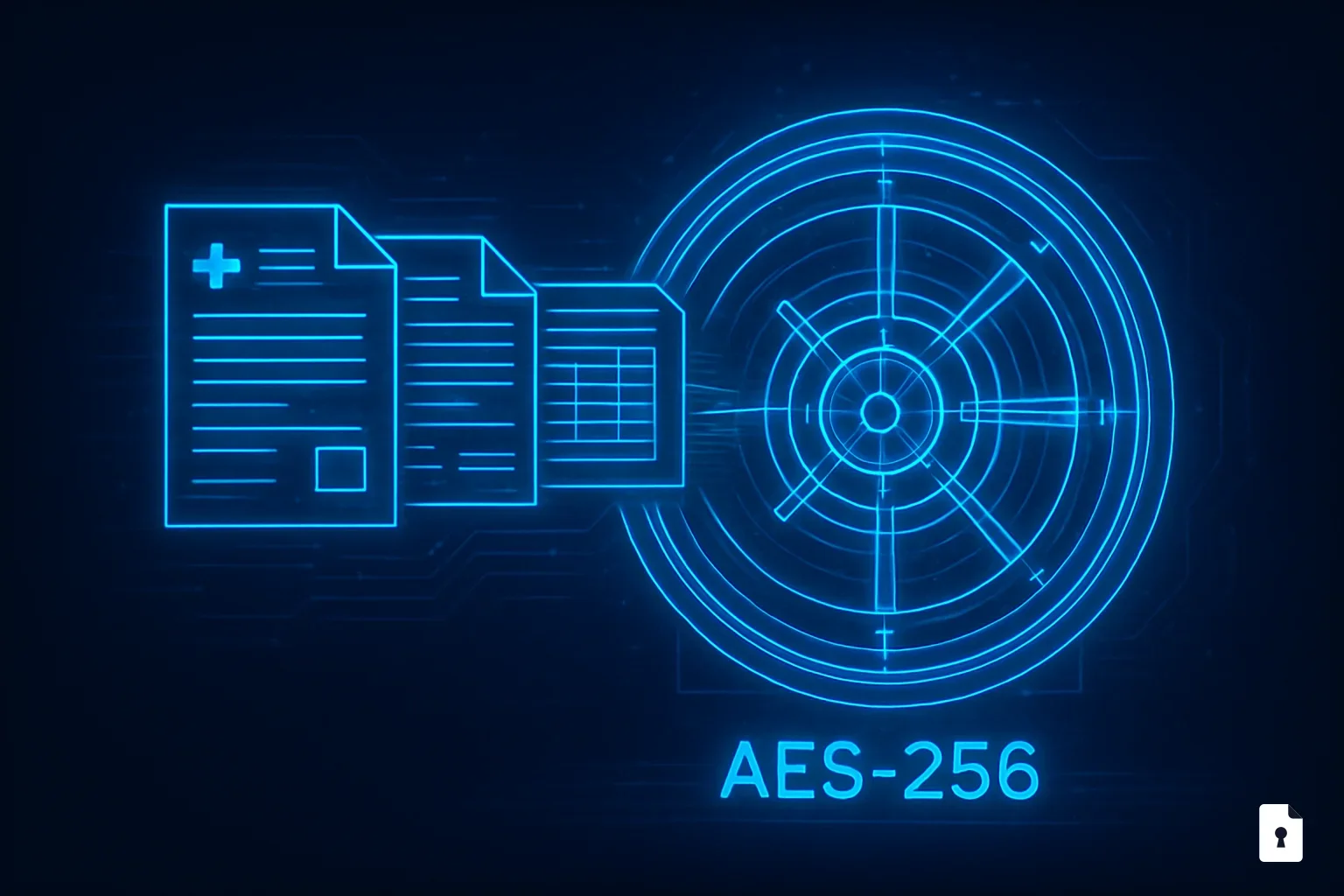
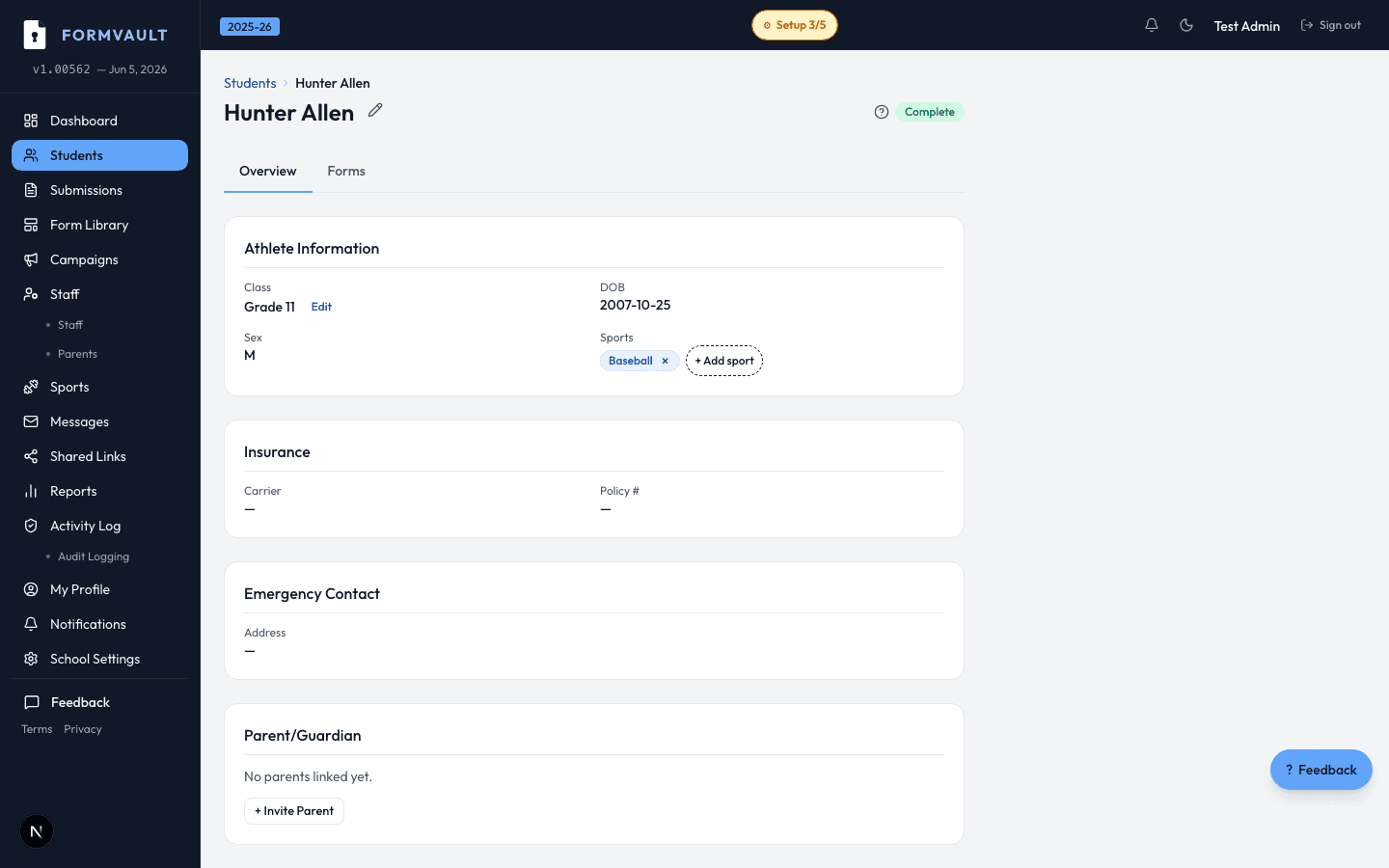
Athletic directors can upload existing paper physicals as PDFs or images — FormVault encrypts and stores them with AES-256-GCM, links them to student profiles, and makes them accessible to authorized staff.
Upload a PDF or photo of a physical or document
FormVault encrypts the file with AES-256-GCM on upload
File is linked to the student's permanent profile
Authorized staff access it anytime — no paper copies needed
AES-256-GCM, applied at the application layer before files reach cloud storage. This means documents are encrypted even from the underlying storage provider. All file transfers use TLS 1.2+ in transit. No document exists unencrypted at any point in the storage or retrieval pipeline.
Only athletic directors and school administrators with the appropriate permission level. Coaches cannot access uploaded physical forms or documents through their portal. Every access event — view or download — is recorded in the compliance audit trail with timestamp and user identity.
PDF, JPEG, PNG, and TIFF files are supported. Maximum file size is 25MB per document — sufficient for even the highest-resolution scanned physicals. Batch uploading multiple documents for a single student in one action is supported.
Yes. Documents persist across seasons and school years. If you run a new clearance campaign the following year, prior uploaded physicals remain accessible on the student's profile for the lifetime of the account — providing a continuous medical document history.
Yes. Administrators can delete uploaded documents from student profiles. Every deletion is logged in the audit trail with timestamp and the identity of who performed the action — deletions cannot be done silently, which protects against unauthorized removal of compliance records.
Before any service termination, FormVault provides a full data export that includes all uploaded documents in their original file format. You receive everything you put in — no data is held back or lost. The export window is 90 days after cancellation.