Automated Deadline Reminders
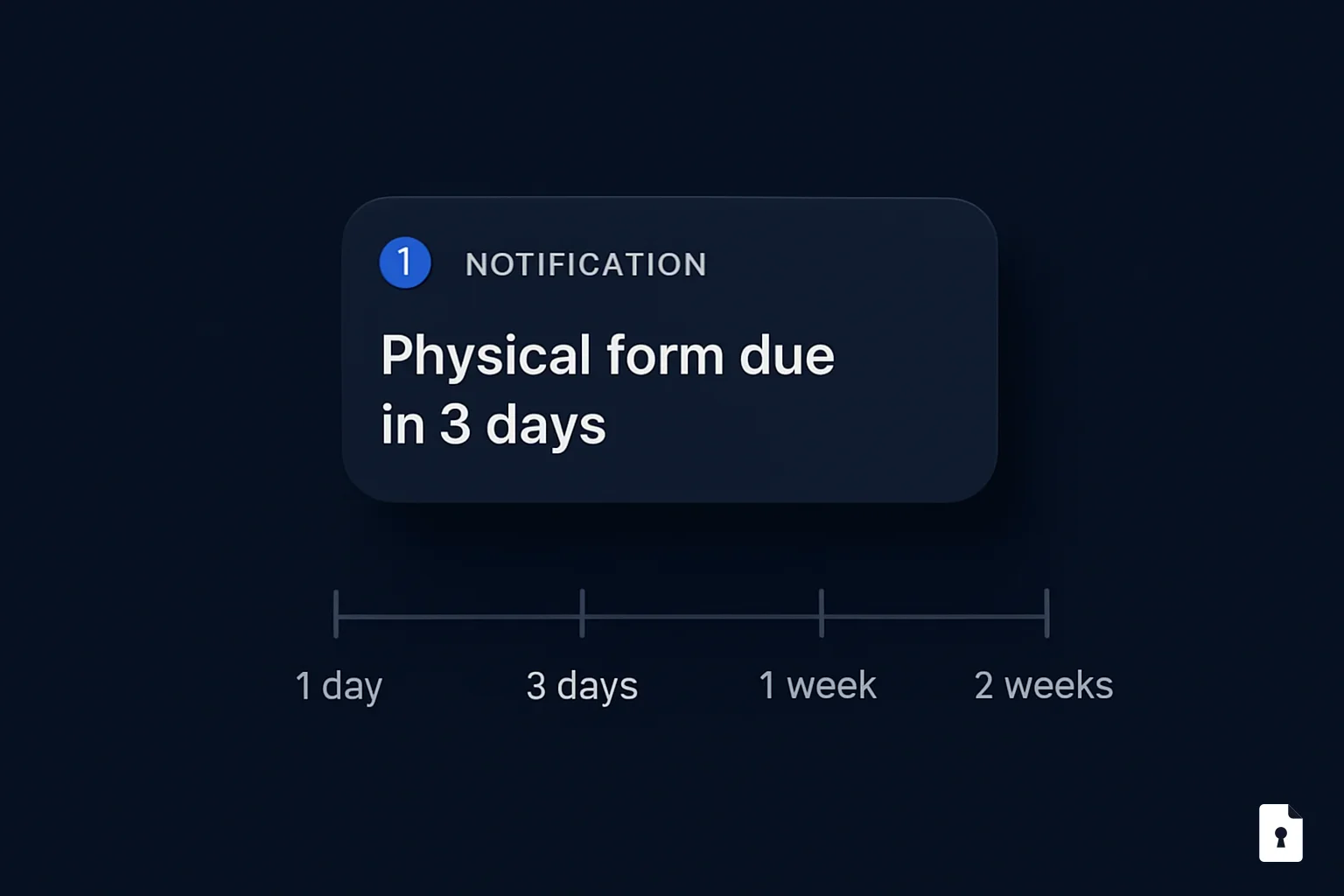
Invite + 4 automated reminders. Zero manual follow-up.
Invite + 4 automated reminders. Zero manual follow-up.
FormVault sends an initial parent invitation when a campaign goes live, then automatically follows up at 14, 7, and 3 days before your deadline and again on deadline day. You set the deadline; we handle the chasing.
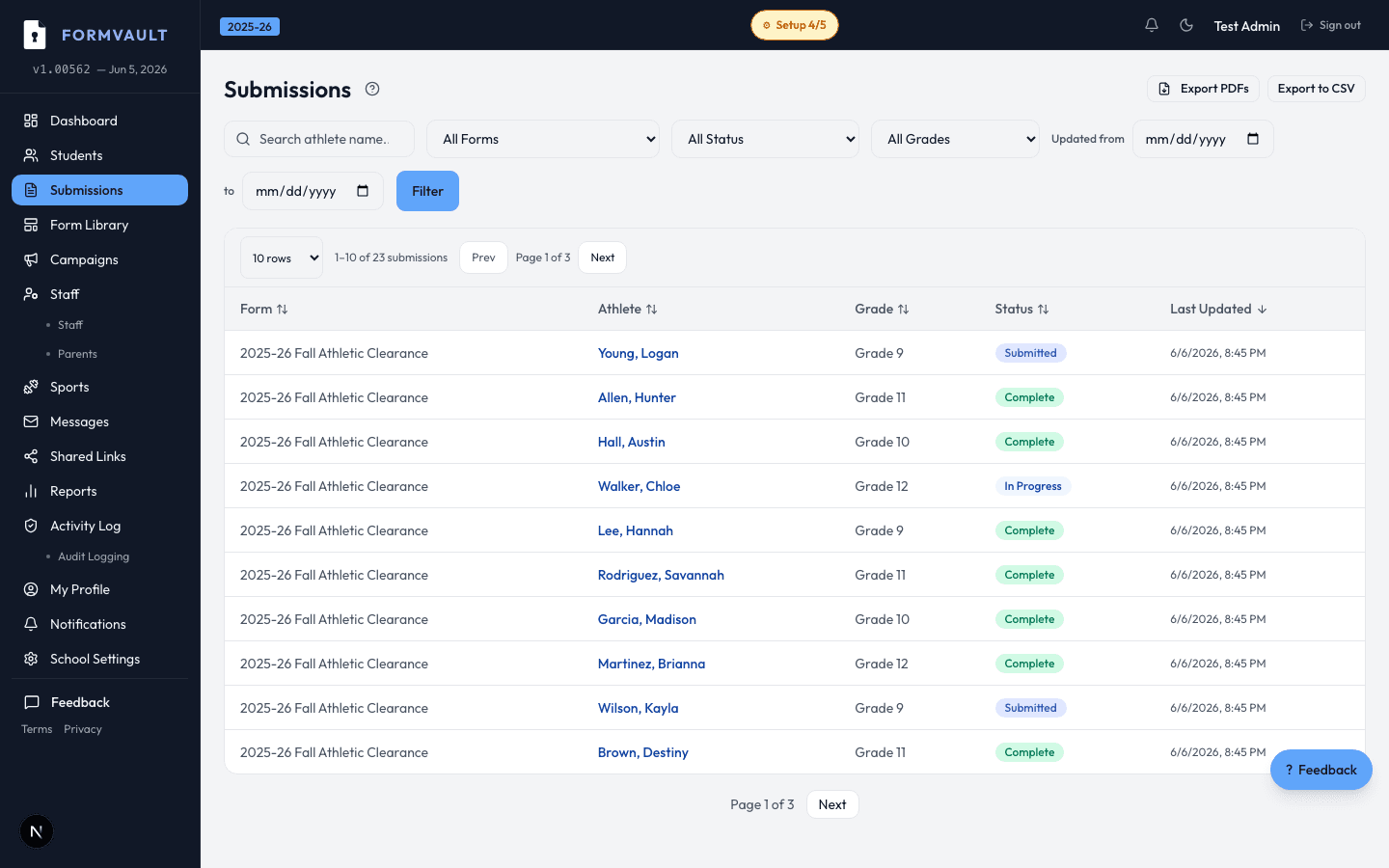
AD sets campaign deadline during setup
FormVault sends the parent invitation when the campaign goes live
Automated reminders fire at Day 14, 7, 3, and on deadline day
Reminders stop the moment the parent completes the form
An invitation email when the campaign goes live, then automated reminders at 14 days before the deadline, 7 days before, 3 days before, and on the deadline day itself. All reminders are sent automatically once you set your campaign deadline — no scheduling or manual action required.
Yes. The moment a parent submits their completed forms, that family's reminders stop immediately. Only parents who haven't completed their forms continue receiving reminders. No one receives a redundant email after they've already finished.
You set the campaign deadline and FormVault automatically spaces the reminders relative to it. School name and branding are included on all reminder emails. Custom interval adjustments beyond the default sequence are available by request.
Yes. Reminder emails include your school name and can be customized with your school logo. All emails come from FormVault on behalf of your school, so parents recognize them as official school communications rather than generic software emails.
Email is the current delivery method for the automated reminder sequence. SMS notification capability is planned and is on the FormVault product roadmap — this will allow schools to reach parents who may not check email regularly.
Bounced emails are flagged in the campaign dashboard with a delivery failure status for that student. The athletic director can see which parent email addresses are invalid and take direct action — calling the family or issuing an in-person reminder through coaching staff.