Multi-Party Digital Signatures
Parent, student, physician. All signed. All verified.
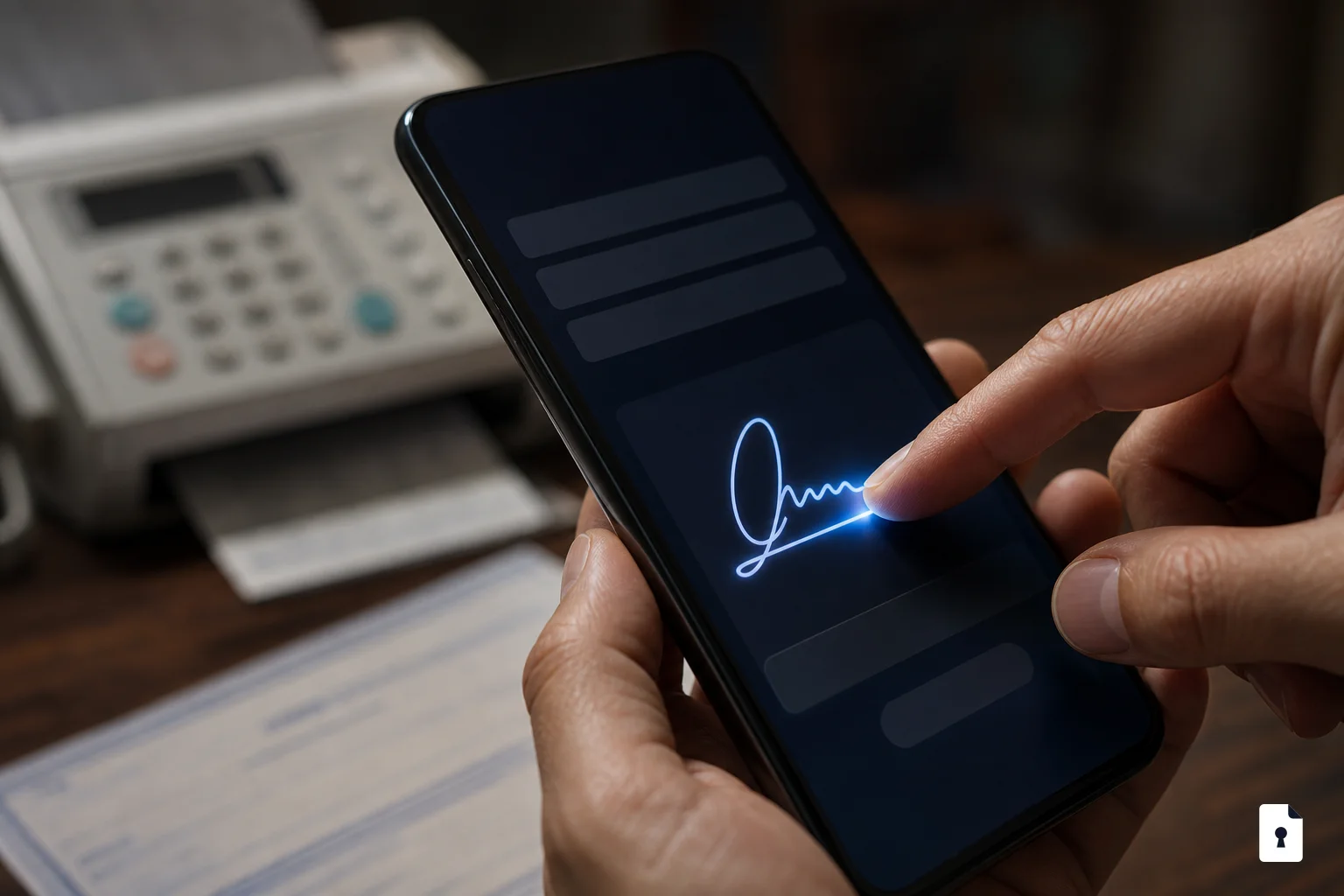
Parent, student, physician. All signed. All verified.
One campaign can require signatures from any combination of parents, students, and physicians. FormVault routes the form to each party in sequence and tracks completion in real time.

AD configures which parties must sign (parent, student, physician)
FormVault sends each signer their own secure link in sequence
Each signature is time-stamped and cryptographically linked
Dashboard shows exactly who signed and when
Any combination of parent or legal guardian, student, and physician. Athletic directors configure which signatures are required during campaign setup. You can require all three, just two, or a single signer depending on the form type.
You control the signing order. Most schools run parent first, student second, physician third — but any sequence is supported. Each signer receives their unique link automatically after the previous party completes their step.
Yes. FormVault signatures comply with the ESIGN Act and the Uniform Electronic Transactions Act (UETA), the federal and state laws that give electronic signatures the same legal weight as handwritten ones. Each signature is time-stamped and cryptographically linked to the exact document version.
Automated reminders are sent at your configured intervals. The AD dashboard shows exactly which signing step each student is stuck on so you can follow up directly with the parent, student, or physician who hasn't completed. No guessing.
Yes. Physicians receive a unique signing link that opens in any browser on any device. No account creation, app download, or login is required — the link takes them directly to the signature step for that specific student.
Yes. Each signature includes timestamp, signer identity verification, IP address, and a cryptographic hash linking the signature to the exact document version signed at that moment. The audit trail is immutable — no one can alter it after the fact.